

Walk into any conference where SEOs gather and you’ll hear someone insist that “schema doesn’t directly impact rankings.” That’s technically true and practically misleading.
Schema markup is the difference between a plain blue link and a rich result with details such as prices, availability, and opening hours baked into the search result itself. For a Dallas dentist, the difference between these two presentations is a 2–4x click-through rate on the exact same ranking position.
Yet according to a 2025 Schema App study, 67% of websites with structured data have at least one critical schema error — meaning Google ignores it entirely. The business owner has no idea. Their developer has no idea. The agency that “added schema” checked it off the list and moved on.
Schema markup is the JSON-LD code that tells Google “here’s a business, here’s a service, here’s an article.” When it breaks — and it breaks more often than most agencies admit — Google quietly ignores it, and your rich results and labeled business details go with it. You don’t lose rankings dramatically; you lose visibility incrementally. The fix takes 1–4 hours per template and unlocks click-through rate gains of 15–80%.
What Schema Markup Actually Does
Search engines read your page like a textbook: they see paragraphs, headings, and links, then try to infer what it’s about. Schema markup is a separate cheat sheet handed to Google that says “here’s exactly what this page is.”
Implemented properly, schema unlocks:
- Rich snippets — prices, availability and, on product pages or sites that review other businesses, star ratings shown directly in search results.
- FAQ markup — labels your questions and answers for machines; Google stopped showing expandable FAQ results in May 2026.
- Local Pack signals — business hours, address, phone displayed next to your map listing.
- Knowledge Panel data — the branded box on the right side of Google for established entities.
- AI Overviews — no special markup is needed: Google says structured data isn’t required for its AI answers, though it still helps with rich results.
Without schema, or with broken schema, none of this happens. Your blue link sits there alone competing with 9 other blue links — many of which have all the visual real estate Google offers.
The Real Cost of Broken Schema
Across Texas business sites, here’s what broken schema typically costs by vertical:
- Dallas restaurants: Missing or broken Restaurant schema means no menu preview and no structured opening hours (the “reserve a table” button comes from Google’s booking integration, not from schema). Click-through rate drops 30–55% vs competitors with working schema.
- Plano professional services: Without LocalBusiness schema, the Google Business Profile and the website disconnect — Google may show outdated info, wrong hours, or display competitors’ details on map listings.
- Frisco e-commerce: Broken Product schema means no price, no availability, no reviews in shopping results. Visibility in Google Shopping plummets.
- Fort Worth medical practices: FAQPage schema no longer earns expandable questions in Google results (Google ended that feature in May 2026), so treat it as a label for machines, not a visibility feature.
Broken schema doesn’t produce a Search Console error in most cases. Google simply ignores it. Your developer added the code, the page returns 200, and everyone moves on — never realizing the markup is silently rejected.
Code vs Reality: What Working Schema Actually Looks Like
Here’s the JSON-LD for a Dallas LocalBusiness — and what it should produce in search (one caution: Google does not show review stars for ratings a business marks up about itself, so the aggregateRating block will not earn stars on your own site):
The Code
{
  "@context": "https://schema.org",
  "@type": "LocalBusiness",
  "name": "Dallas Roofing Co.",
  "address": {
    "@type": "PostalAddress",
    "streetAddress": "1800 N Field St",
    "addressLocality": "Dallas",
    "addressRegion": "TX",
    "postalCode": "75202"
  },
  "telephone": "+1-346-244-8617",
  "openingHours": "Mo-Fr 08:00-18:00",
  "geo": {
    "@type": "GeoCoordinates",
    "latitude": 32.7767,
    "longitude": -96.7970
  },
  "aggregateRating": {
    "@type": "AggregateRating",
    "ratingValue": "4.9",
    "reviewCount": "127"
  }
}
The Result in Search
How to Find Broken Schema on Your Site
Step 1: Google’s Rich Results Test
Visit search.google.com/test/rich-results, paste your URL. Google will report:
- Detected items — what schema types Google found.
- Valid items — what passed validation and is eligible for rich results.
- Items with issues — what’s broken and why.
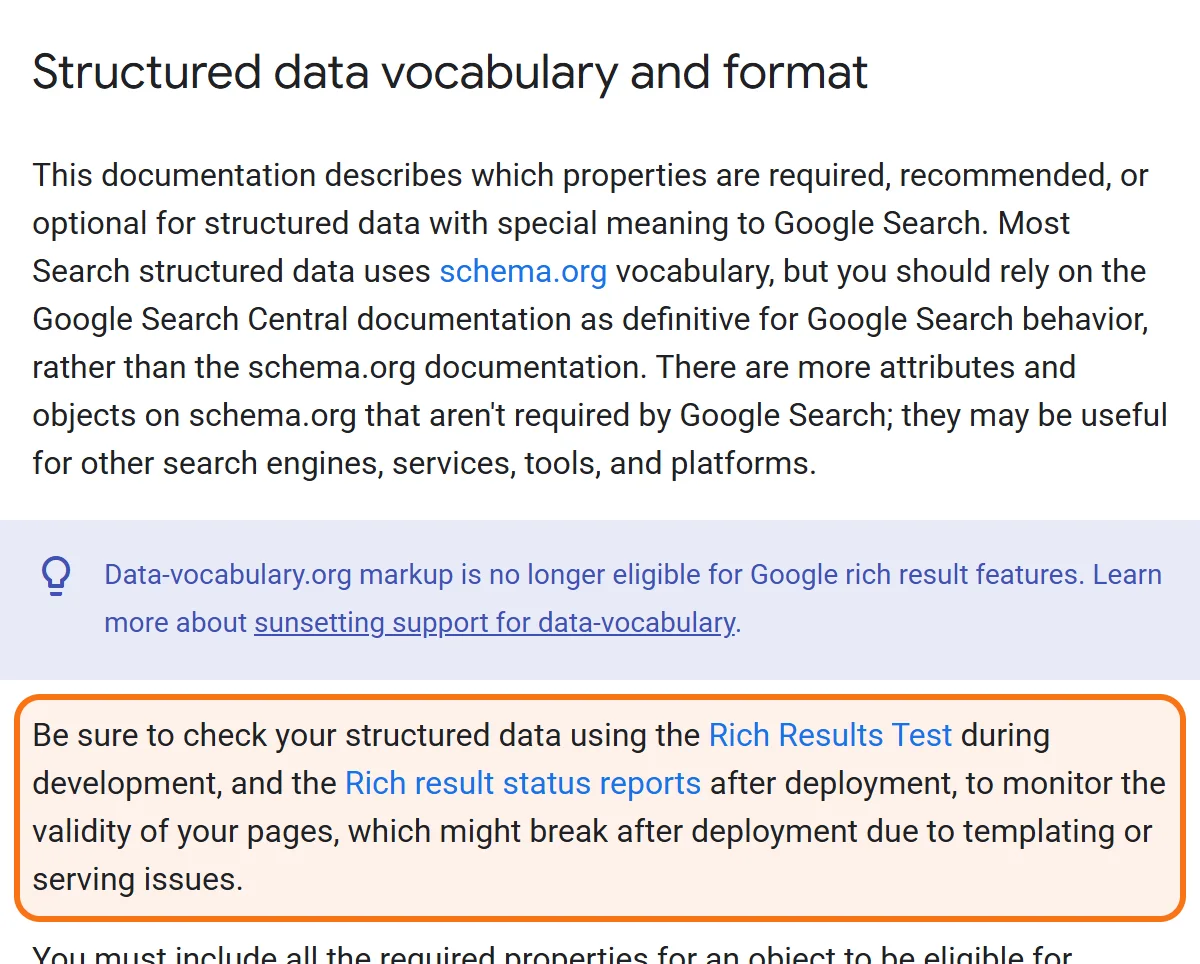
Pay special attention to items in “Detected” but not “Valid.” That’s schema you wrote that Google is rejecting.
Step 2: Schema Markup Validator
For a stricter validation, use validator.schema.org. This tool catches issues Google’s tool ignores — like type mismatches, deprecated properties, and ambiguous nesting.
Step 3: Search Console > Enhancement Reports
In Google Search Console, the left sidebar shows reports for each schema type Google has detected on your site (FAQ, Breadcrumbs, Products, etc). Each one lists URLs with errors. Fix the errors, request re-validation, and Google reprocesses within 7–14 days.
Step 4: Crawl-Based Audit
Screaming Frog can extract all JSON-LD from your site in a single crawl. Export to CSV, sort by schema type, and identify pages where required fields are missing or empty (a common silent failure mode).
The 7 Most Common Schema Breaks We See in Texas
- Mismatched NAP across pages. Your homepage schema says “1800 N Field St”; your contact page schema says “1800 North Field Street.” Google sees two businesses, trusts neither.
- Empty review counts.
"reviewCount": "0"triggers an error and disables star display. - FAQ schema with hidden answers. Google requires the answer to be visible on the page. Schemas marking up answers shown only in modals get rejected.
- Outdated
@typevalues. Schema.org evolves. Old types likeArticlewith subtypes that no longer exist quietly fail validation. - Multiple competing schemas. WordPress with Yoast + RankMath + a custom schema plugin can stack 3 conflicting JSON-LD blocks per page. Google picks one or none.
- Broken image URLs. A
logoorimageproperty pointing to a deleted file makes the entire schema invalid. - Service area mismatch. Schema says you serve Dallas only; your content claims service across the DFW metroplex. Inconsistency triggers a quality flag.
Use only one source of truth for schema. Pick a single plugin or a custom JSON-LD block — not multiple. We have a Google Doc with battle-tested templates for LocalBusiness, Service, Article, FAQ, and Product schemas; ask for it if you’re doing this in-house.
| What is broken | What happens in Google | What to do |
|---|---|---|
| The address is written differently on two pages | Google sees two businesses and trusts neither | Write the name, address and phone exactly the same in the schema on every page |
| Several plugins each add their own schema | Up to three conflicting blocks per page; Google picks one or none | Keep one source of truth: a single plugin or one custom JSON-LD block |
| The logo or image link points to a deleted file | The entire schema on that page becomes invalid | Point the image property to a file that exists |
| The markup describes things that are not on the page | A manual action can remove the page's eligibility for rich results | Mark up only content a visitor can see on the page |
| Schema lists one city, the text claims the whole metro area | The inconsistency triggers a quality flag | Make the service area in the schema match what the page says |
| Hours changed, but the schema still shows the old ones | Google may show wrong info for weeks | Update the schema whenever hours or other content change |
| Only the general LocalBusiness type is used | You miss search features that specific subtypes unlock | Use the specific subtype, such as RoofingContractor for a roofer |
Most of these breaks send no warning and leave your ranking where it was, so the only way to find them is to test your pages.
Worked Example: How Broken Schema Suppresses a Frisco Dental Practice’s CTR
Consider a 6-location Frisco dental practice. Suppose its average ranking position is 4.2 and its click-through rate is 1.8% — well below the 4–6% expected for that position.
A diagnosis in a case like this commonly reveals:
- LocalBusiness schema carrying an aggregateRating copied from the practice’s Google reviews — markup Google does not show stars for, because a business cannot rate itself in its own schema or reuse ratings from another site.
- FAQPage schema implemented on service pages, with answers hidden in JavaScript-rendered accordions — and since May 2026 Google shows no FAQ rich result for it either way.
- Practice locations with identical schema (copy-pasted) so Google can’t differentiate the offices.
Rebuild the schema layer (budget about two working weeks). Do not expect review stars from it: Google does not show them for ratings a practice marks up about itself. What a clean implementation does give Google is accurate hours, addresses and a distinct identity for each office, with zero ranking position changes.
Common Schema Mistakes That Quietly Hurt Texas Businesses
- Marking up things that aren’t actually on the page. Schema must reflect visible content. Adding fake FAQ markup or invented review counts can bring a manual action, which removes the page’s eligibility for rich results (it does not change how the page ranks).
- Stopping at LocalBusiness. A roofing company shouldn’t just use
LocalBusiness— useRoofingContractor. Specific subtypes unlock more SERP features. - Forgetting to update schema after content changes. If your hours change in March but schema still says the old hours, Google may show wrong info for weeks.
- Treating schema as “set and forget.” Schema.org updates quarterly. Plugins deprecate properties. Audit twice a year.
The Bottom Line
Schema markup is one of the few SEO investments where 1–4 hours of focused work can produce a 50–100%+ click-through rate lift on existing rankings. Most Texas businesses either don’t have it, or have it broken without knowing.
The audit takes an afternoon. The fixes take a sprint. The compounding visibility lasts for years.
Frequently Asked Questions
Schema markup is the vocabulary — the standardized list of properties Google understands (defined at schema.org). JSON-LD is one of three syntaxes for delivering that vocabulary to search engines (the others are Microdata and RDFa). Google accepts all three equally and recommends JSON-LD in most cases because it’s clean, separate from page content, and easy to manage. Use JSON-LD; ignore the other two.
Schema is not a direct ranking factor — Google has been explicit about this. However, schema indirectly drives massive ranking signals: higher click-through rates from rich snippets and lower bounce rates from better-informed clicks (structured data is not required for AI Overviews). These indirect signals compound. Most well-implemented schema deployments see 15–40% organic traffic growth within 90 days from the same ranking positions.
Yes — in two ways. First, Google may issue a manual action for “spammy structured data” if it detects markup that doesn’t match visible page content (e.g., fake reviews or hidden FAQ markup). Second, conflicting or excessive schema markup can cause Google to ignore all of it on a page, eliminating any benefit. Broken schema is worse than no schema.
Run a full schema audit quarterly, after any major content change, after any plugin update, and immediately after any redesign. Most schema breaks happen during plugin updates and template changes — the developer wasn’t thinking about JSON-LD when they shipped the change. Quarterly checks catch 80% of regressions before they cost you significant visibility.
Want every page on your site producing rich snippets?
We build, validate, and maintain schema infrastructure that keeps you eligible for rich results and gives Google accurate business details — usually paying back in 60–90 days.
Get a Schema Audit Explore Technical SEOCall (346) 244-8617Book a free 30-minute call
Dallas, Texas · no obligation · you speak to Mantas, not a sales desk


